Tutorials and frequently asked questions

Use the voter guide confidently—and know when to verify

These address-free guides explain the most common tasks in plain language. Every picture has the same instructions in text, so no step depends on seeing the illustration.

Picture guides

Three useful starting points

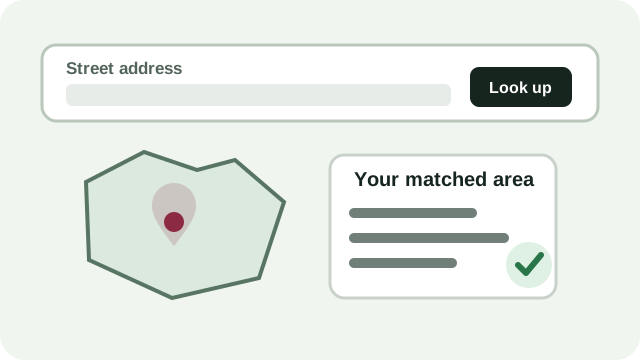
Blank address field leading to a Kansas area match and official verification check.

Guide 1

Find the ballot information for an address

  1. Open Find my ballot and enter a complete Kansas street address.
  2. Review the election date, matched county, districts, and every coverage warning.
  3. Choose a primary ballot when the site asks; the site does not obtain or infer party registration.
  4. Verify the final ballot and polling place with the linked county election office or Kansas VoterView.

The address is used for the current lookup and is not written to the civic database or saved with My research.

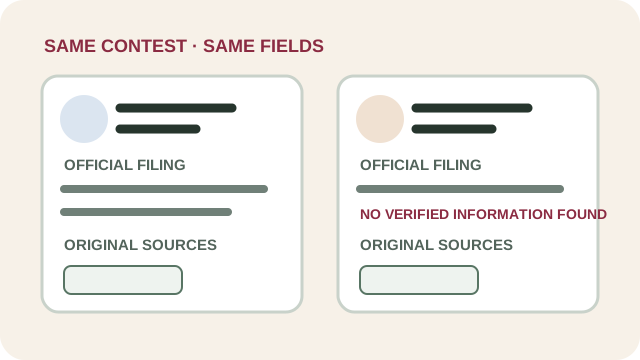
Two candidate cards using identical headings, missing-data language, and original-source links.

Guide 2

Research and compare candidates or judges

  1. Open a contest from your results or use the address-free candidate directory.
  2. Check the label on each fact: official record, candidate statement, journalism, or site explanation.
  3. Open original sources and note the last-verified date. Missing information is a coverage gap, not a score.
  4. Compare only people in the same contest, using the same fields for everyone.

The site does not endorse, rank, or recommend candidates or judges.

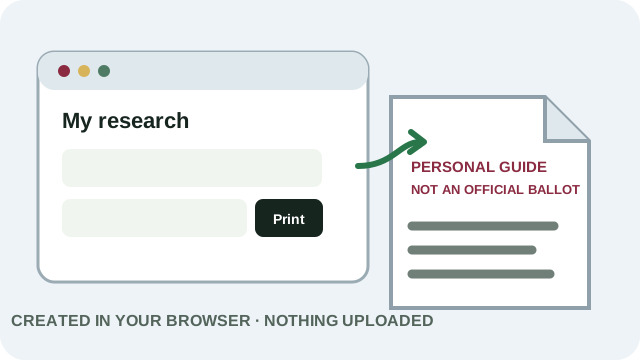
A browser creating a paper marked Personal guide, not an official ballot, without uploading information.

Guide 3

Save research and print a private guide

  1. Use Save to My research on candidates, judges, or ballot questions you want to revisit.
  2. Open My research, add optional private notes, and mark items reviewed.
  3. Choose what to include, whether to print notes, and compact or detailed layout.
  4. Select Save as PDF / Print. Confirm the guide says it is personal research and not an official ballot.

Saved items, notes, planned choices, and the PDF stay in the browser and are not uploaded to the site.

Ballot styles

Why two nearby voters can see different contests

A ballot style is the exact combination of contests and questions assigned to a voter for one election. Precinct parts, city limits, townships, school districts, special districts, party-primary choice, and candidate rotation can create multiple styles inside one ZIP code—or even one precinct.

This is why the site never treats a ZIP code as a complete ballot. When a county has not supplied the ballot-style crosswalk, the site shows the verified layers it has and tells you to check the official sample ballot.

Frequently asked questions

Quick answers

Is this an official government website?

No. Research My Candidates is an independent, neutral voter-research guide. County election offices and the Kansas Secretary of State administer elections and remain the final authority.

What does the site store when I enter an address?

The full address is used to answer the current lookup but is not written to the civic database, saved in browser storage, or connected to My research. Limited technical security data may be processed as explained in the privacy policy.

Why is a race, candidate, school district, or measure missing?

Coverage may be incomplete because an election authority has not published a usable API, PDF, ballot-style inventory, or district crosswalk. The site shows gaps instead of guessing. Use the county sample ballot and report the missing information.

Does choosing a primary ballot reveal my party registration?

No. When a primary choice is needed, you select the ballot you are eligible and want to preview. The site does not request or infer voter-registration party data.

What is a ballot style?

It is the exact set and order of contests and questions assigned for one election. A county may have hundreds of styles because district boundaries and party ballots overlap.

Does My research cast a vote or endorse anyone?

No. Saving, reviewing, comparing, or planning a choice is private research. It does not submit a ballot, register a preference with the site, or create an endorsement.

Can I take a printed guide to vote?

Polling-place rules and procedures can change. Keep the guide private, follow poll-worker instructions, and ask your county election office before Election Day whether personal paper notes are allowed at your voting location. The guide is not a sample ballot or official election document.

How do I judge whether information is reliable?

Prefer the original election authority or public record, check the publisher label and verified date, and distinguish official facts from campaign claims, journalism, opinion, and site-written summaries.

How fresh is the data?

Each supported record or source shows a checked or verified date when available. The Updates page explains scheduled checks, blocked sources, and changes awaiting review.

Who handles urgent registration or polling-place questions?

Contact your county election office or use Kansas VoterView. Site support cannot make official election decisions.
Still need help?

Use the dedicated contact routes for general questions, accessibility barriers, privacy questions, or private security reports. Do not email a full address, voter-registration number, marked ballot, or planned choices.

Open Contact and help